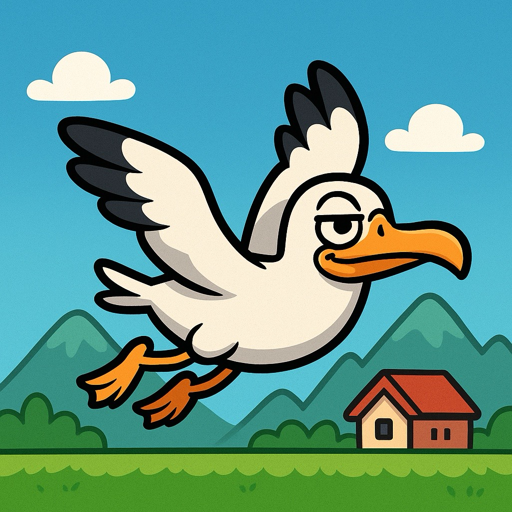
How to play
Keep Crappy Birdy in the air, avoid obstacles and water balloons, and land your drops on the characters below. Build a streak to increase your score multiplier and chase a new personal best.
The scenery changes as your score grows, taking you through the countryside, city and forest. The game gets faster the farther you fly.
Support
Sound
Use the speaker button on the intro screen to mute all audio. The two sliders control background music and sound effects separately.
Game Center
Game Center is optional. Sign in to Game Center in iOS Settings if you want to submit scores to the leaderboard. You can still play without signing in.
Retry
After Game Over, tap Retry to begin a new run.
Credits
You receive up to five free credits each day. One game, including Retry, uses one credit. Unused daily credits reset to five the next day and do not accumulate. A pack of 25 credits is available for €0.99 when purchases are enabled.
Still need help?
Please contact Wizione through the contact details published on wizione.fi. Include your iPhone model, iOS version and a short description of the issue.
Privacy Policy
Last updated: September 2026
Crappy Birdy does not require an account and Wizione does not collect, store, track, sell or share personal information through the app.
Game Center
If you choose to use the optional leaderboard, Apple Game Center processes your player identity and score according to Apple’s services and privacy terms. Wizione receives only the Game Center information needed to operate the leaderboard.
Purchases
If in-app purchases are offered, Apple processes the transaction. Wizione does not receive or store your payment-card details.
Children
The app does not knowingly collect personal information from children.
Changes
This policy may be updated when the app’s features change. The latest version will remain available on this page.
For more information about Apple’s data practices, see Apple Privacy Policy.